Screenshots
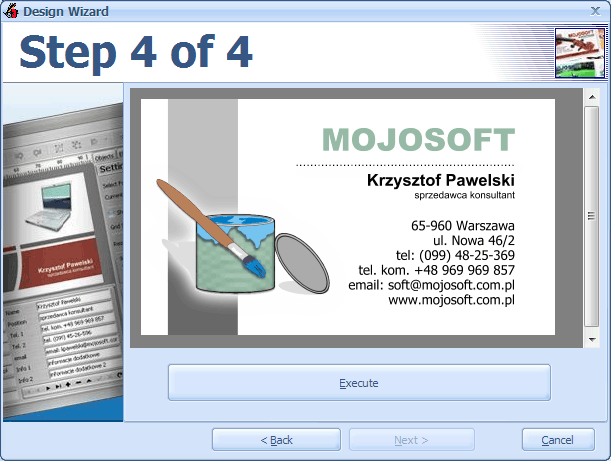
The wizard facilitates the preparation of a business card. The first step is choosing a template business cards, the next step is to choose a format change business cards and paper, then we can quickly enter data on our business card, change the font. The last step is a preview of business cards and return to the main editor
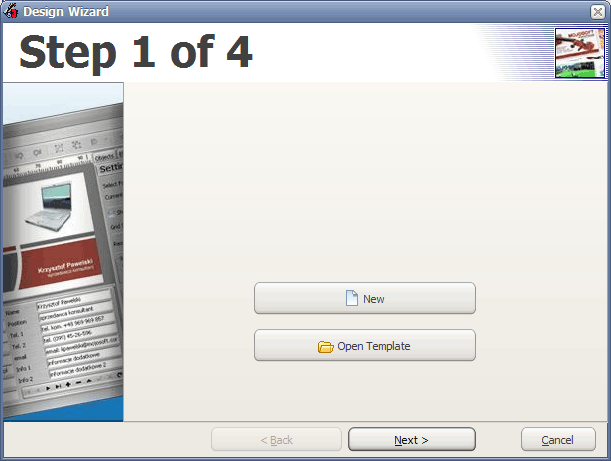
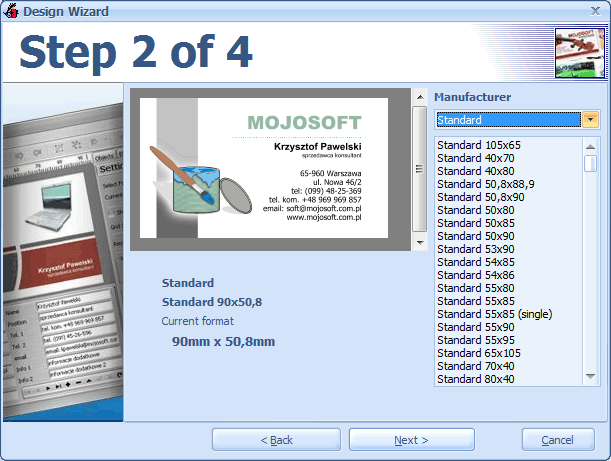
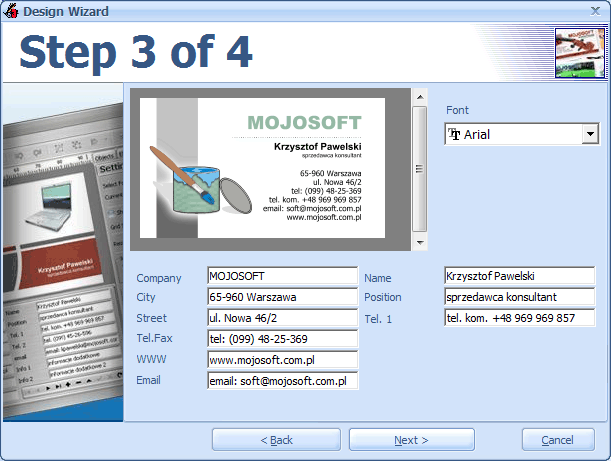
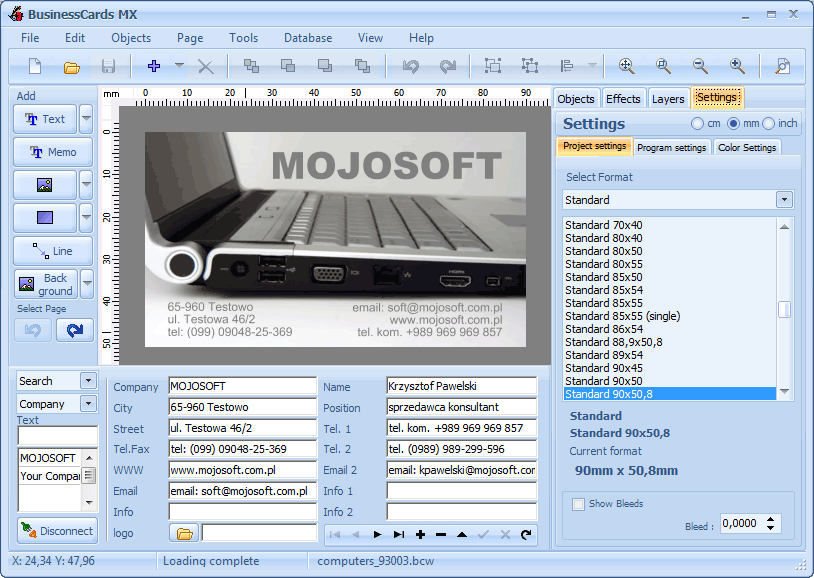
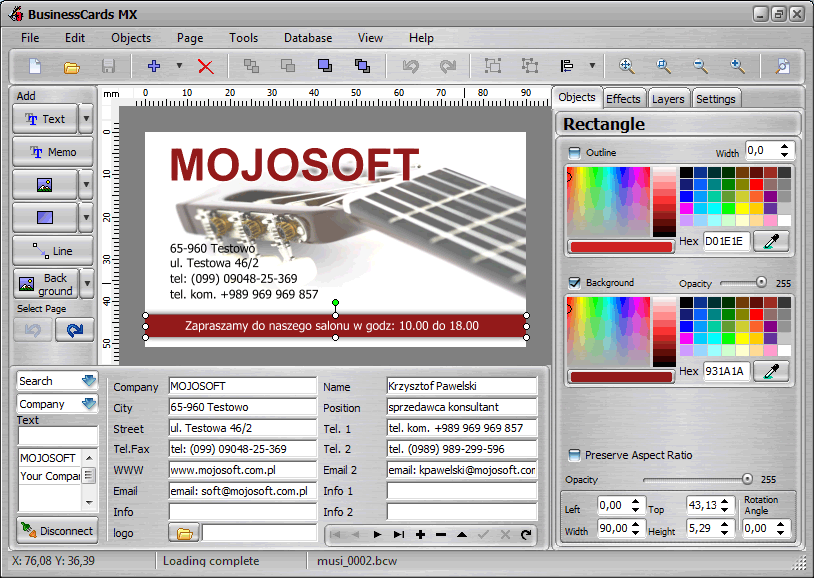
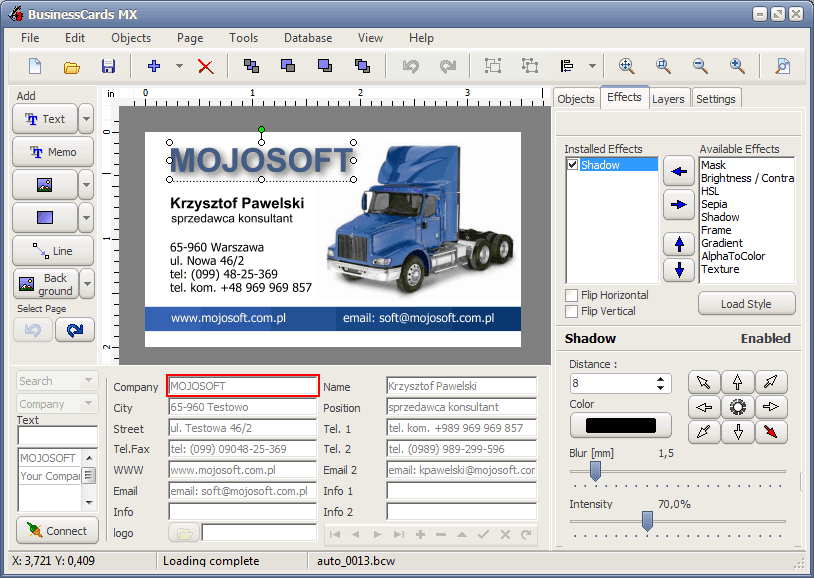
Here we can adjust our project according to its own needs. We can add new elements to our business cards, for example: the text, additional images, shapes, or modify existing ones such as changing the color, size and type font, add new effects

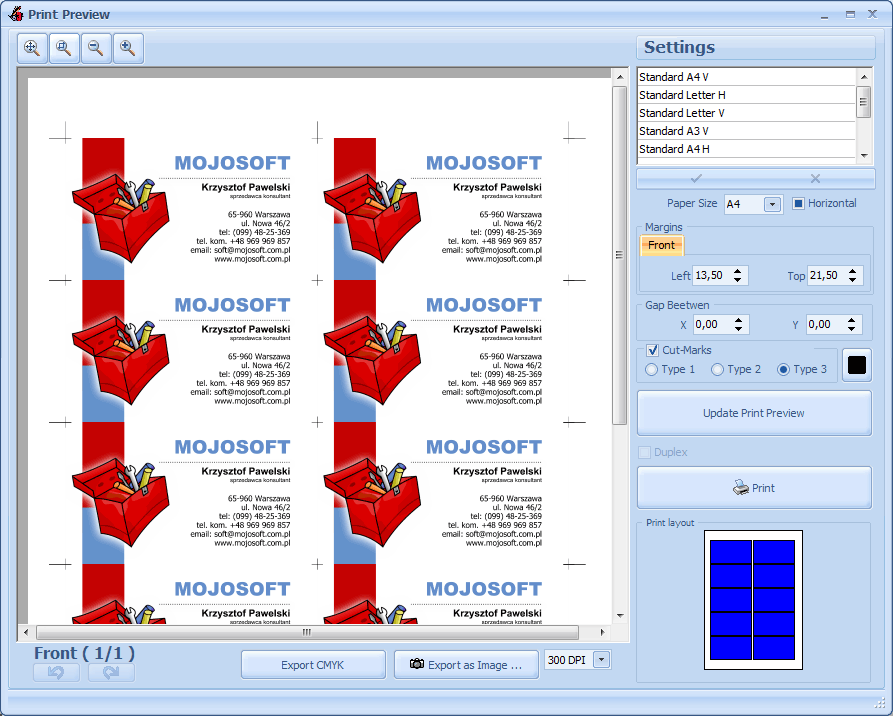
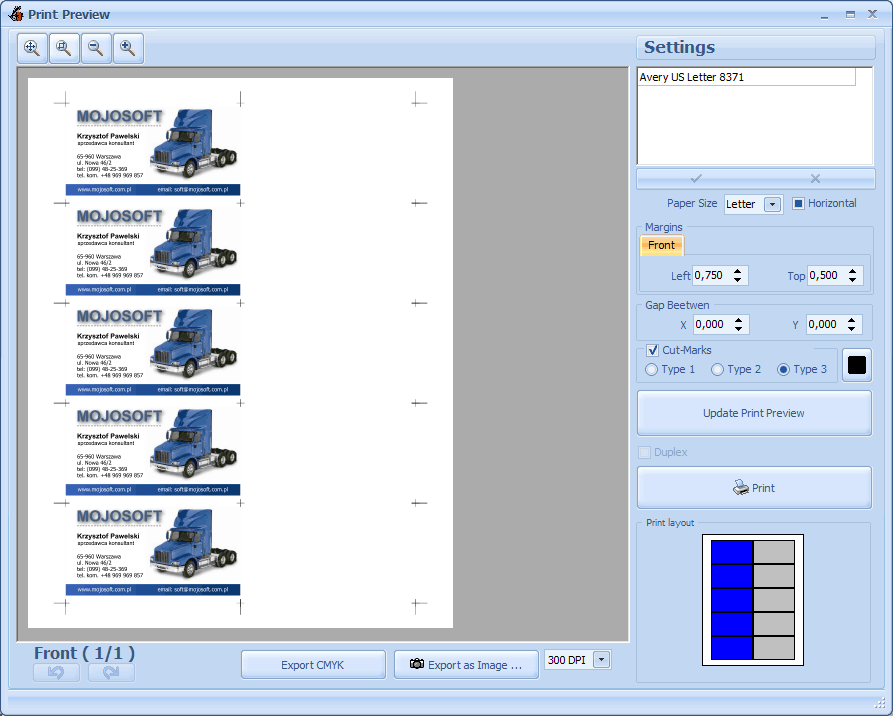
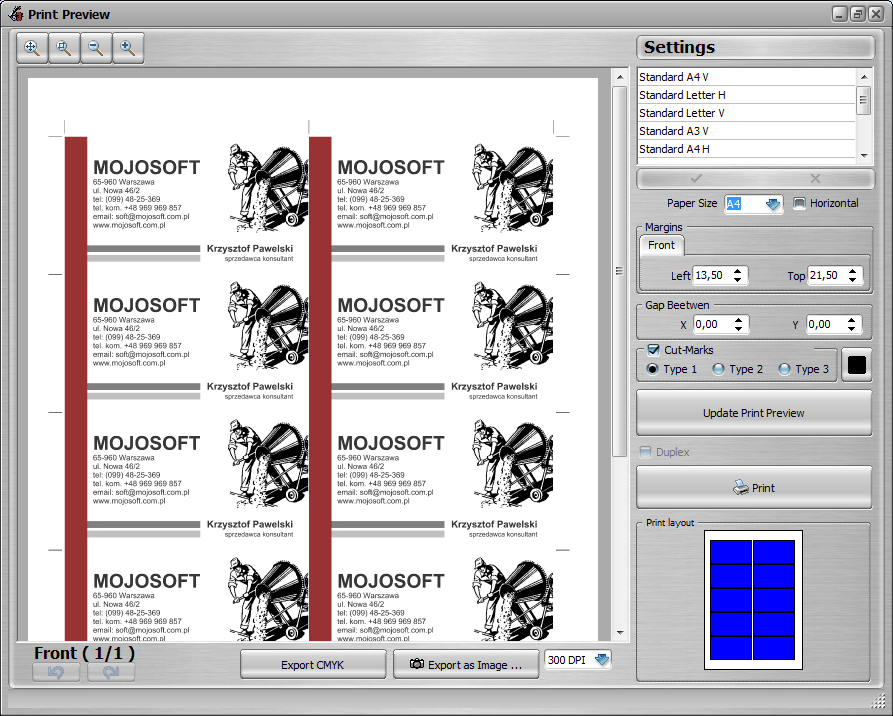
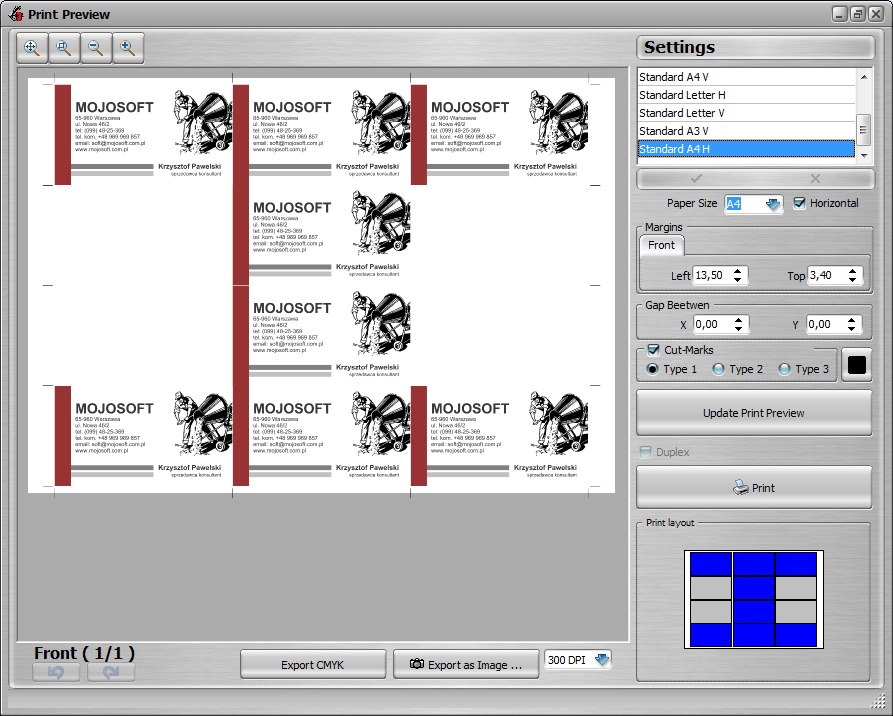
After editing can print out our business cards. Select the Print preview command in top menu, File -> Print Preview. On the print preview, you can set margins, or change the type and color markers, paper format. After making changes to be updated print preview . Once we set everything we can print business cards.
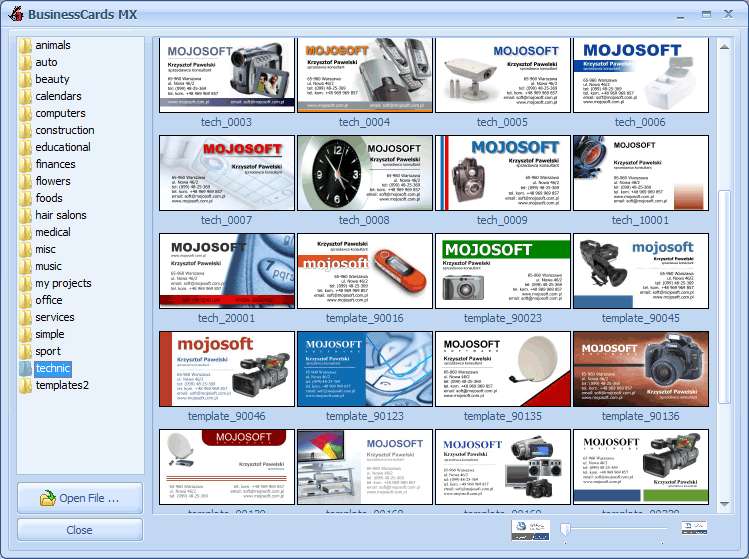
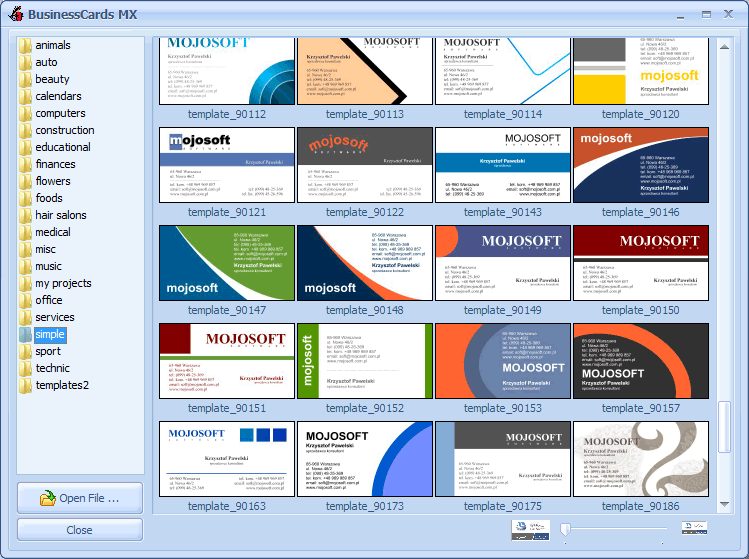
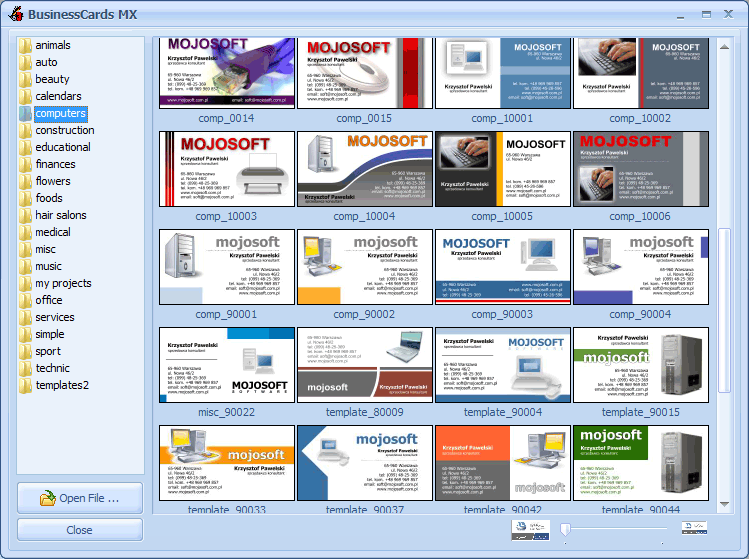
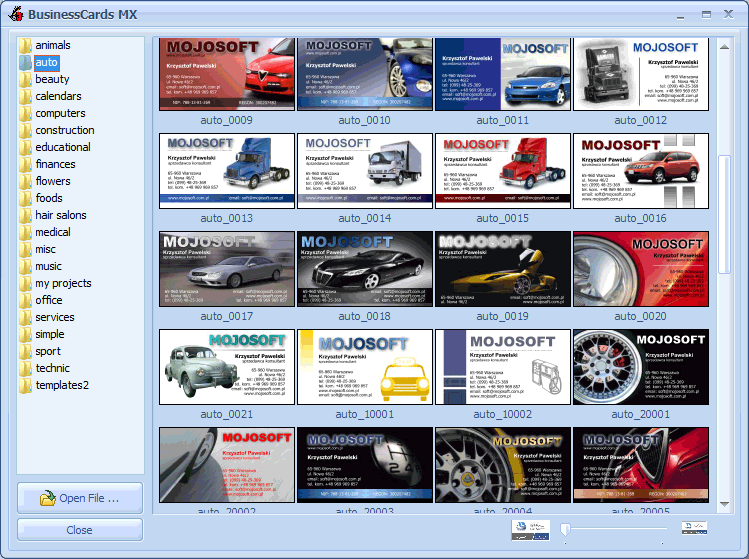
The program, we have to choose from more than 750 templates business cards. All models of business cards can be freely modified.
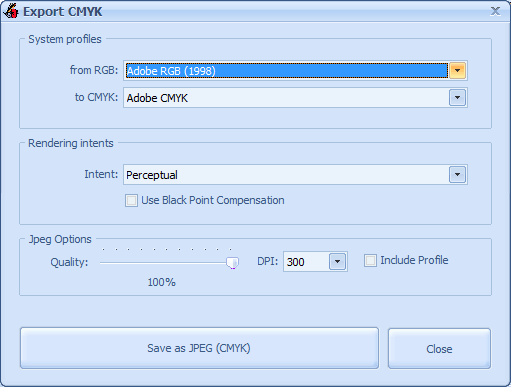
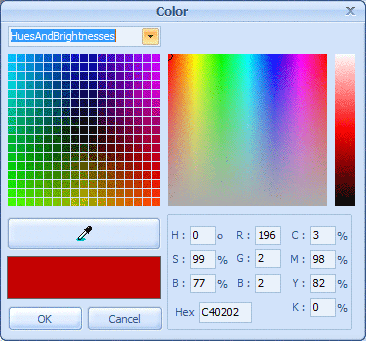
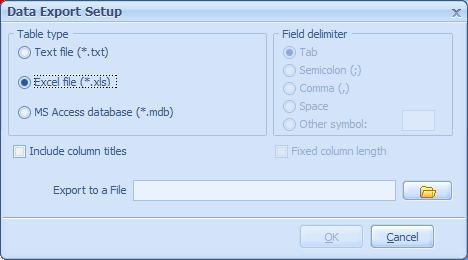
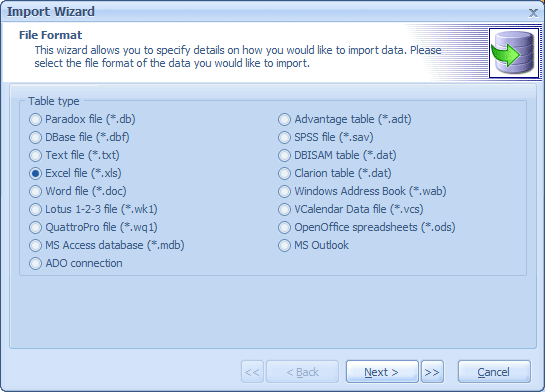
Additional options available in the program : export import data cmyk, colour management